Integrating GPT into Game Development: Building a Brick Breaker Game – Part 1
Introduction
In the age of artificial intelligence, leveraging tools like GPT (Generative Pre-trained Transformer) can revolutionize the way we approach development, learning, and problem-solving. This blog post explores a hands-on example of how I used GPT to build a classic Brick Breaker game. The focus here is on the process of integrating GPT into everyday use and building a simple game should be fairly easy.
The Journey Begins: Setting Up the Project
I started to build a Brick Breaker game with a clear goal and little to no coding knowledge. I set up a project folder on my desktop and turned to GPT for guidance on structuring the HTML file and initializing the JavaScript code. With step-by-step instructions, GPT assisted me in writing the initial HTML structure and linking the JavaScript file. It was like having a skilled engineer by my side, guiding me through the foundational steps. Especially important throughout this process was being as specific as possible with my requests. Vague requests often created confusion and left it up to the LLM on key decisions to implement. I’ve taken a basic Javascript course before and played around with the introductory section of html/CSS in The Odin Project, so I do have a basic understanding of syntax and can work my way around a terminal window. This seemed to help a lot as otherwise I would be bogged down by continually asking for clarification on navigation.
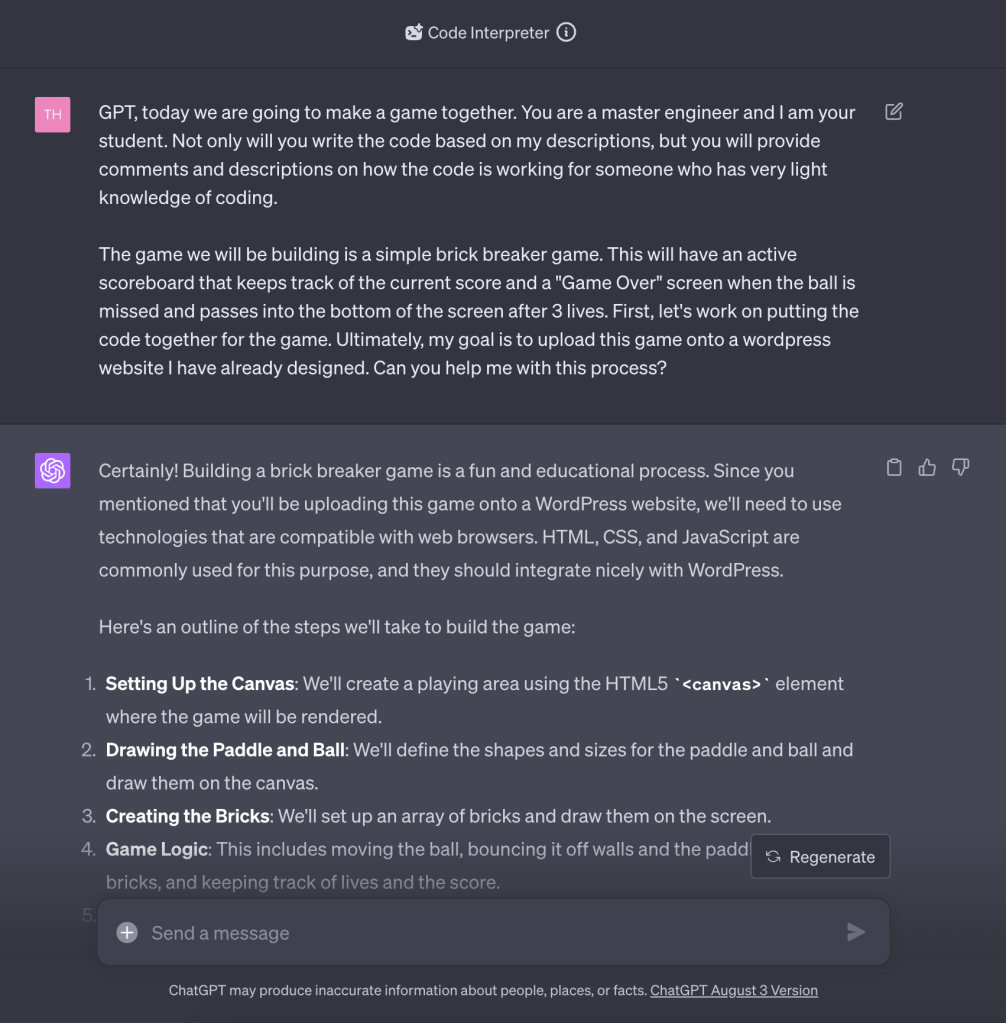
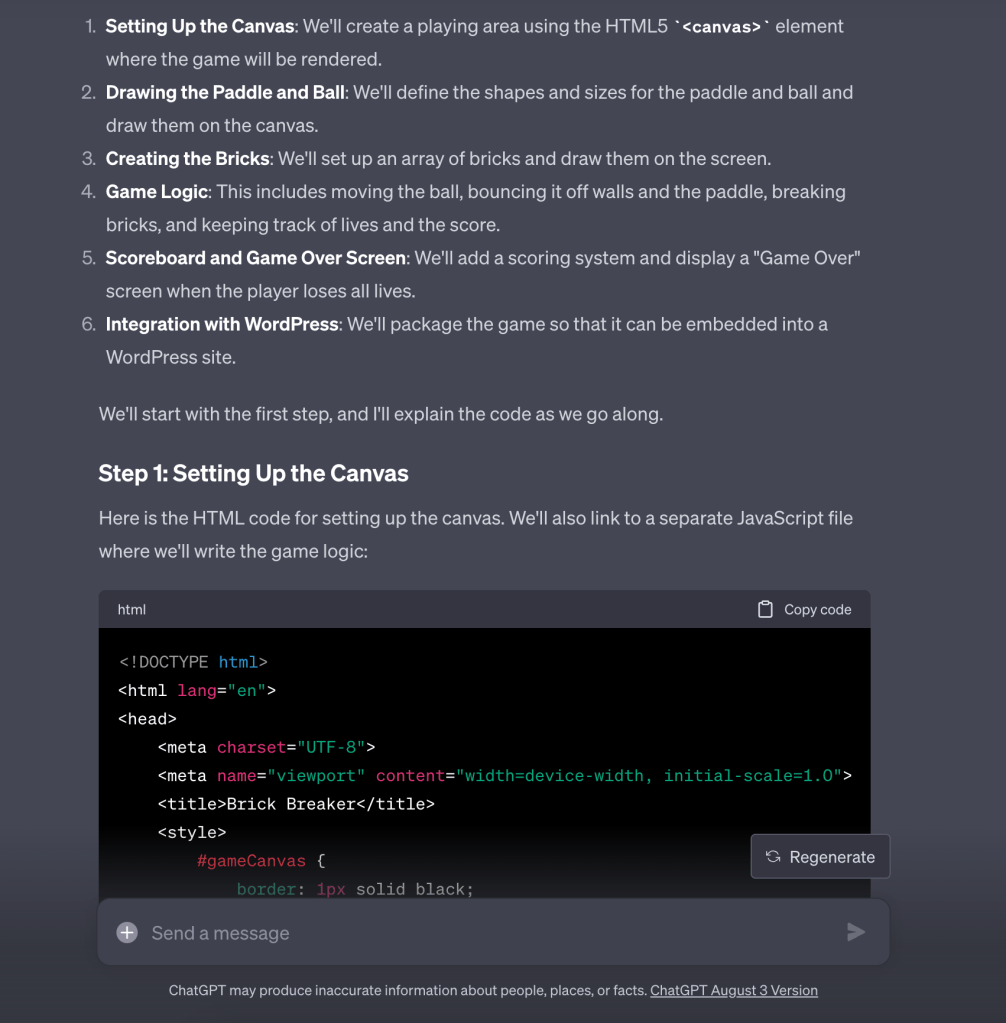
Drawing the Canvas: The Paddle and Ball
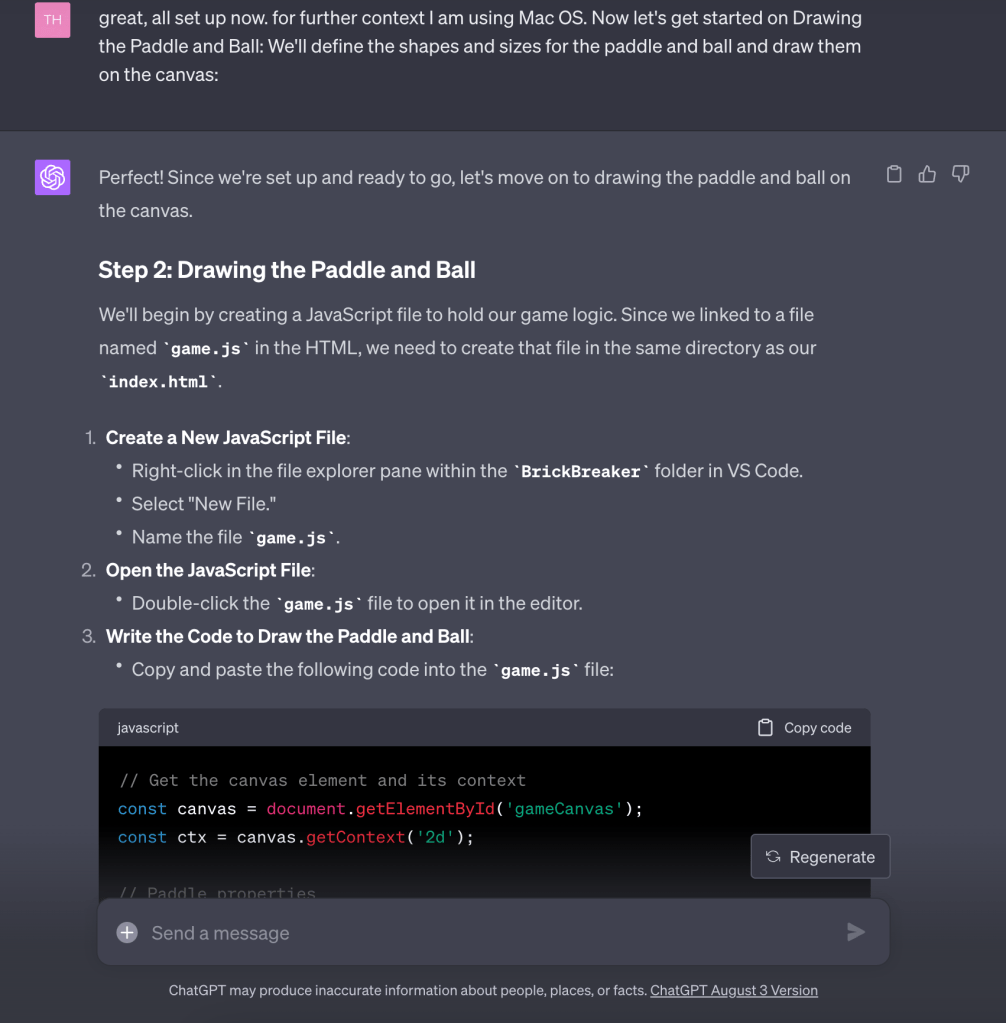
With the setup complete, the next task was to draw the paddle and ball on the canvas. I consulted GPT on defining the shapes and sizes, and GPT meticulously guided me through the code, explaining the purpose of each line. The process was not merely about copying code; it was an educational experience where GPT’s explanations made complex concepts accessible to even a beginner. One of the best requests I made was in my initial prompt asking for detailed comments throughout the code. This made it easy to navigate throughout any changes that were made as we added functions upon functions later on.
Creating the Bricks: An Array of Challenges
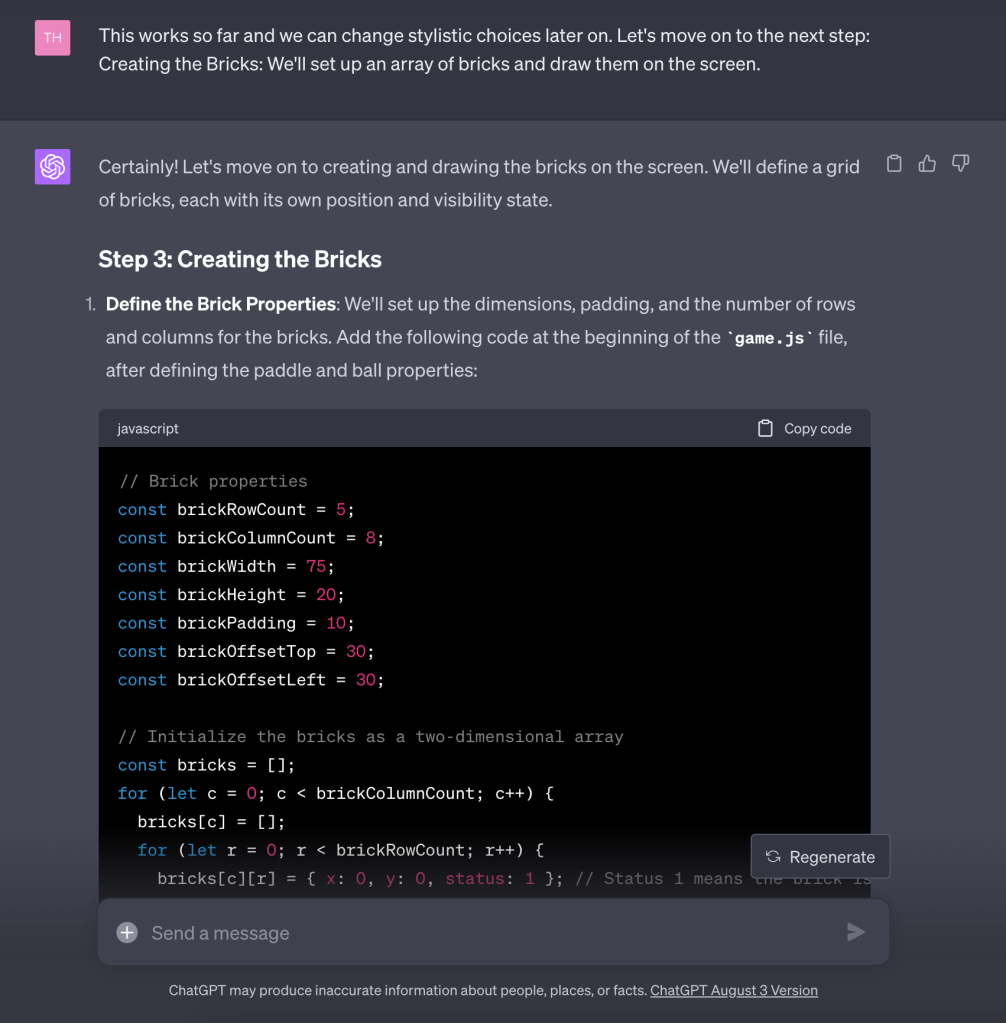
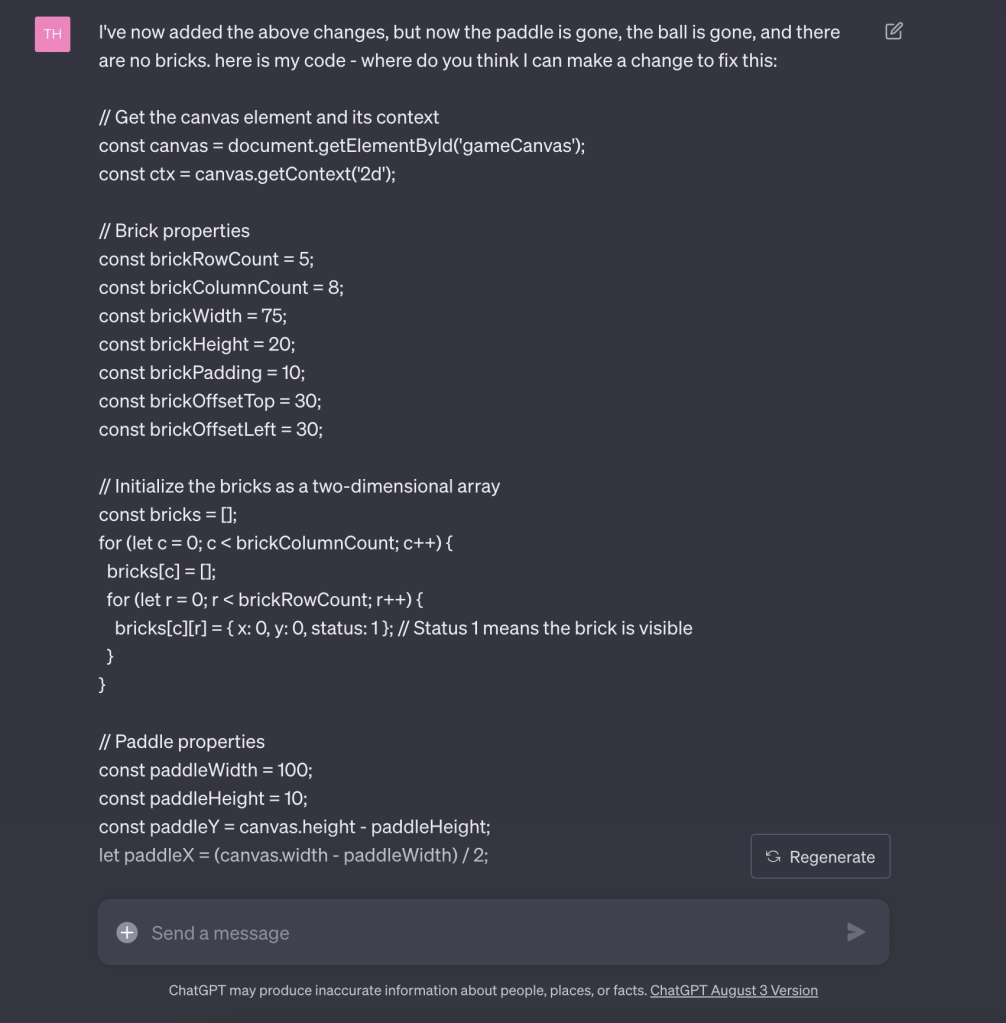
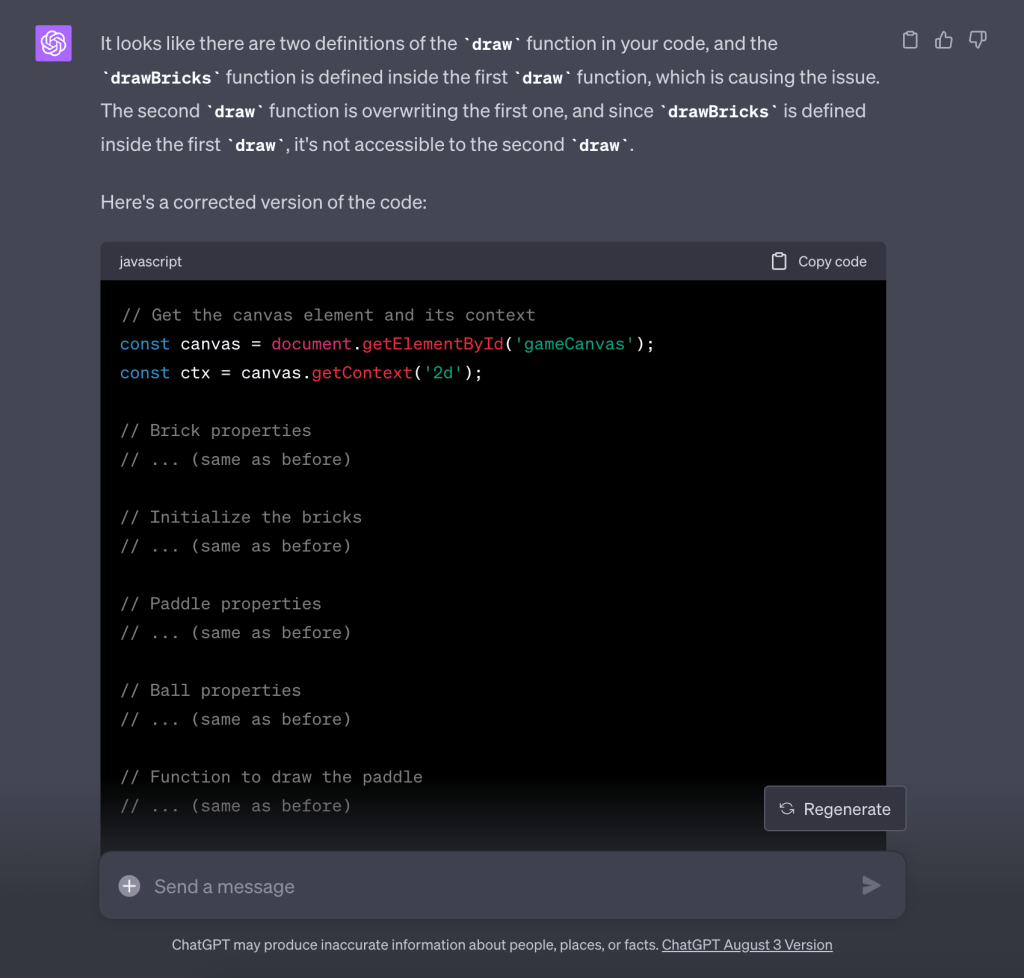
Building the bricks brought its own set of challenges. GPT provided the code to set up a two-dimensional array of bricks and draw them on the screen. When I encountered a hiccup where the bricks overrode other game elements and brought up a rendering issue, GPT promptly diagnosed the problem and provided a solution. This real-time troubleshooting is a testament to the power of GPT’s problem-solving capabilities and the ability to synthesize what the issue is in a detailed manner for the LLM. It’s not enough to simply say ‘there is a problem you need to fix it’. Instead, it’s important to specifically point to what is wrong and provide full context to allow GPT the ability to work its magic.
Game Logic: Movement, Collisions, and More
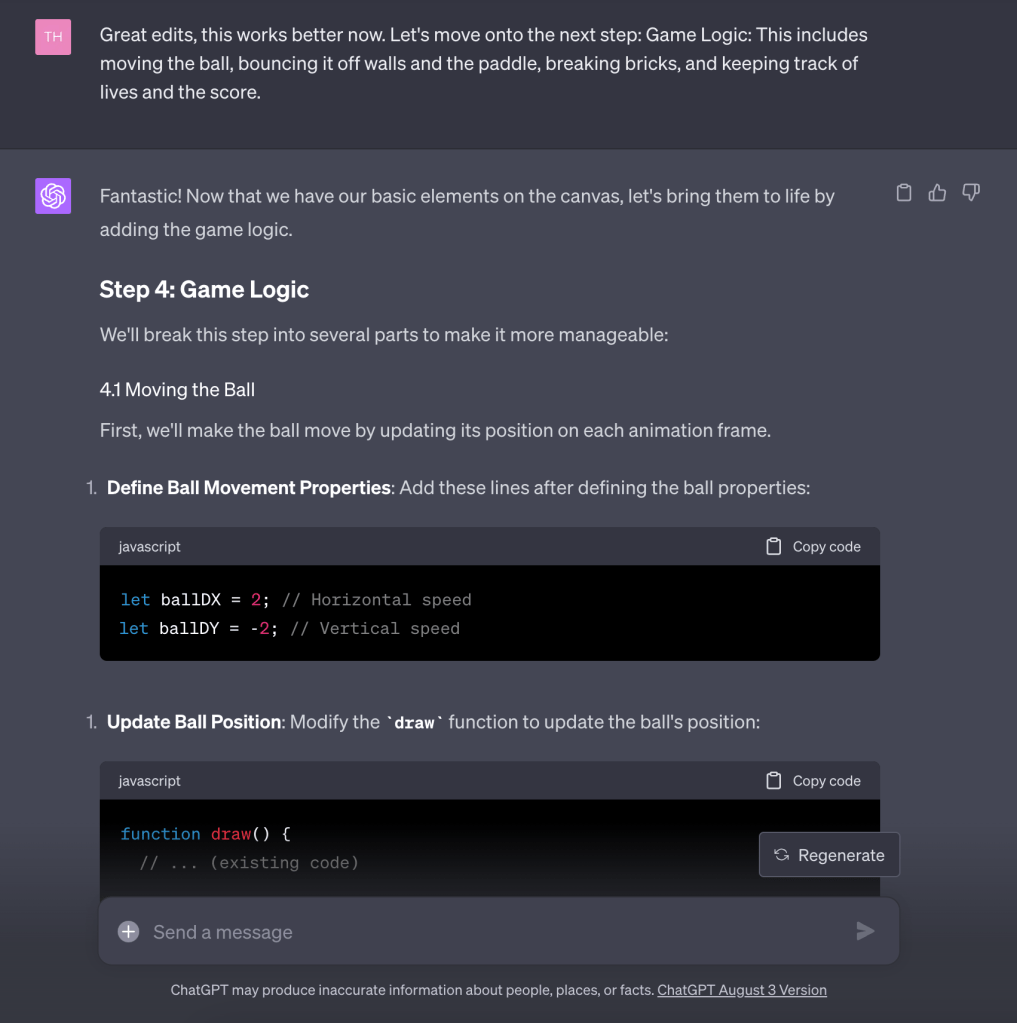
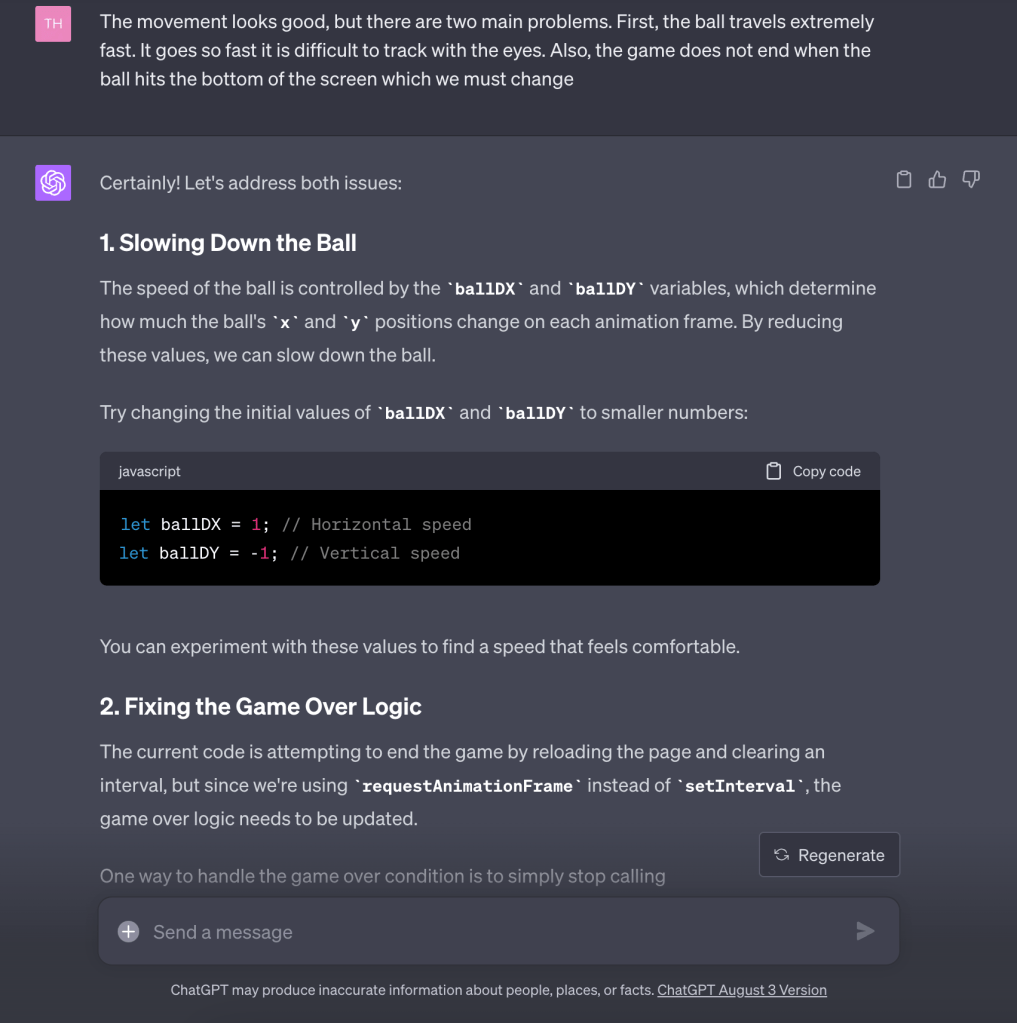
The game’s logic was where things got truly exciting. From moving the ball to bouncing it off walls, the paddle, and bricks, GPT explained the logic in detail, allowing me to understand the mechanics behind the game. When the ball’s speed became an issue, GPT’s guidance on adjusting variables helped me achieve the desired movement.

Scoreboard and Game Over Screen: Enhancing the Game Experience
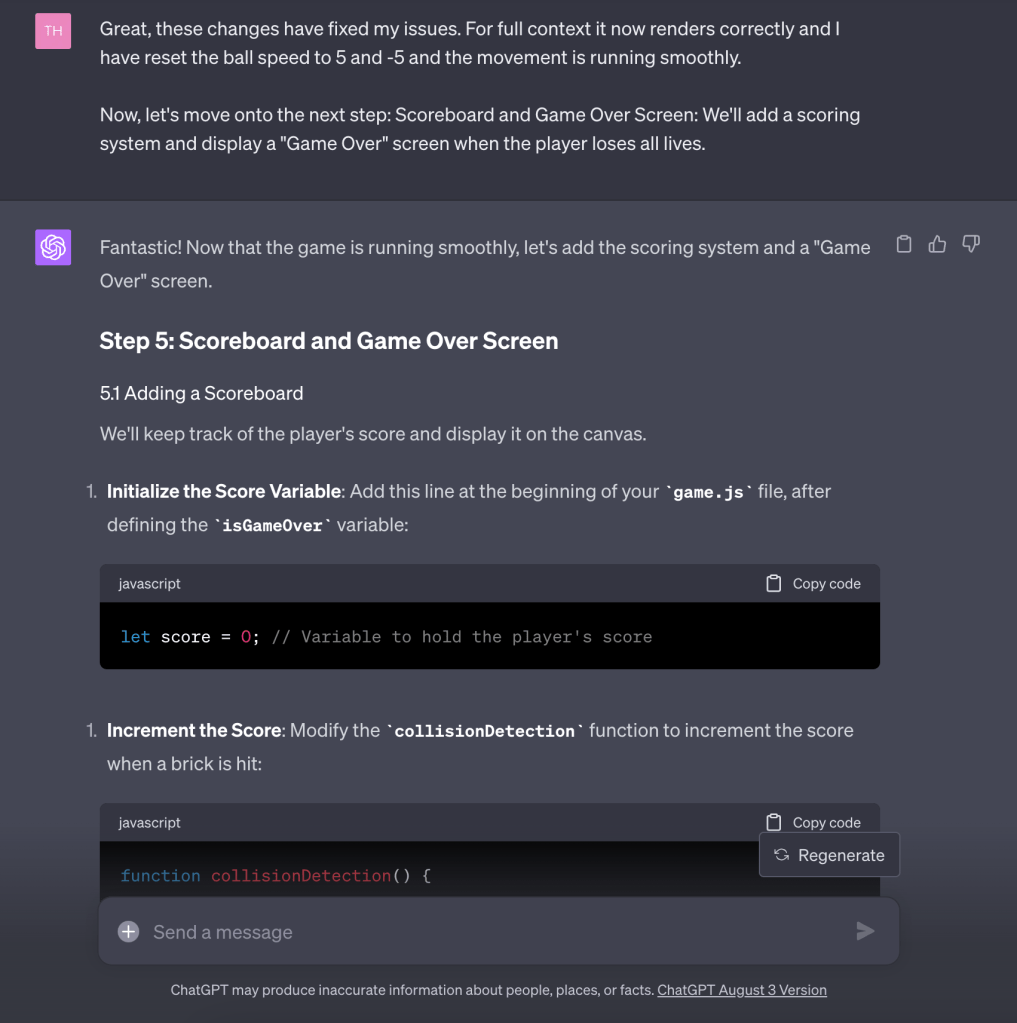
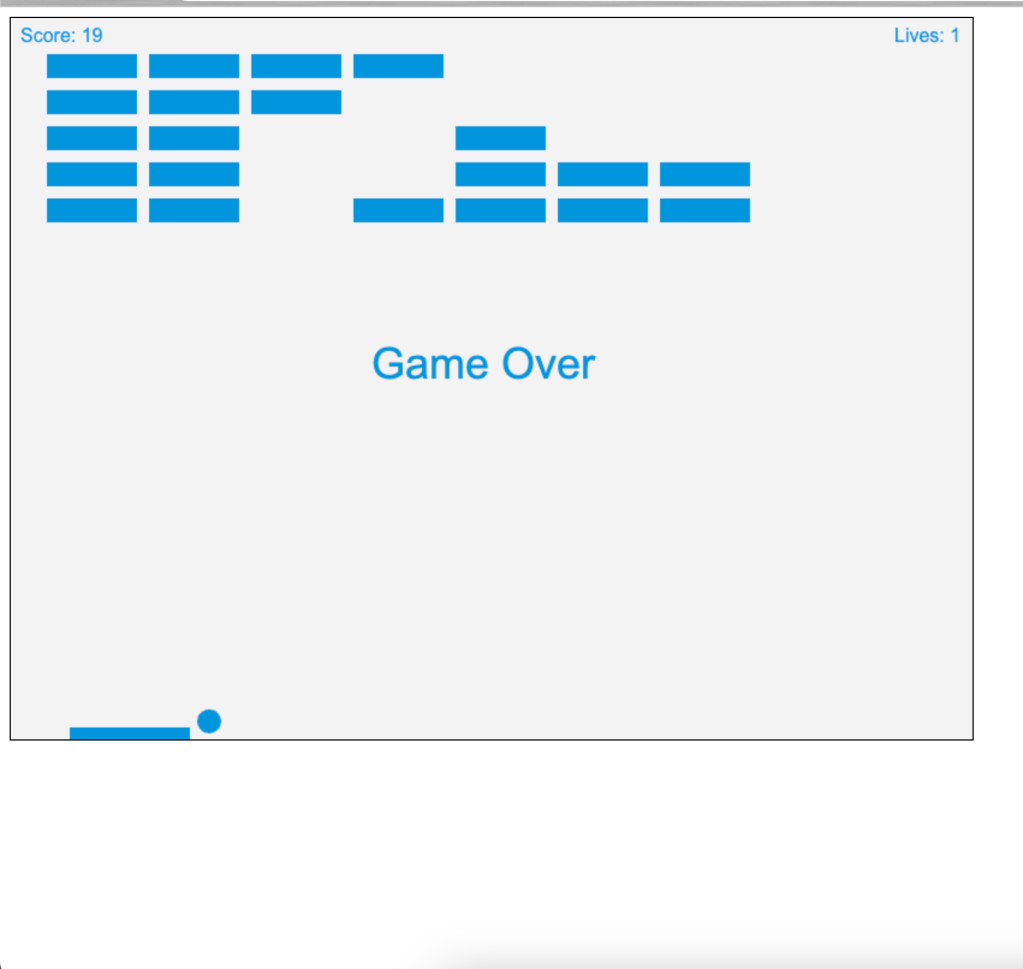
Adding scoring and lives brought the game to life. GPT provided comprehensive instructions on implementing a scoring system, displaying lives, and creating a “Game Over” screen. The step-by-step guidance ensured that I understood the code’s purpose and functionality.
Paddle Controls: Interactivity with GPT’s Help
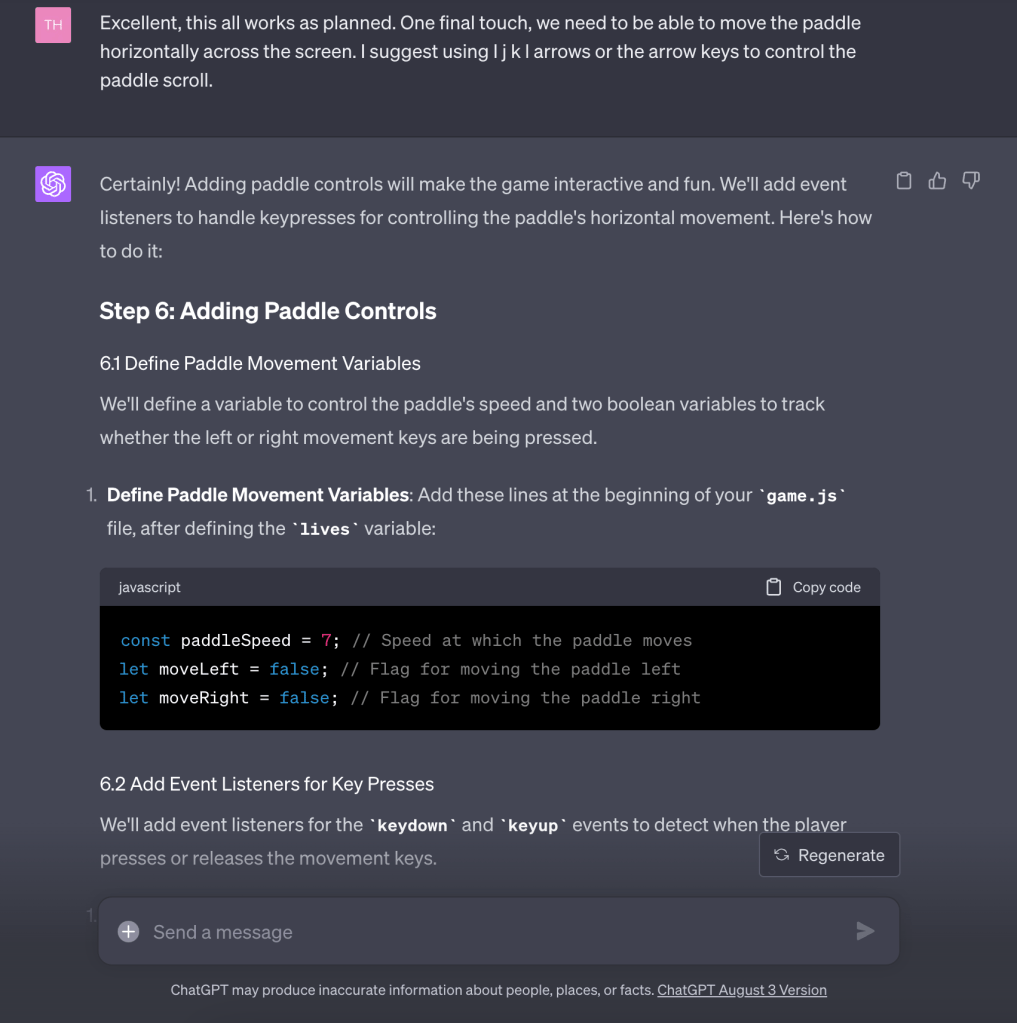
The final touch was enabling the player to control the paddle. GPT suggested multiple key options for movement and provided the code to implement the controls. This part of the development highlighted GPT’s flexibility in accommodating different preferences and providing tailored solutions.
Conclusion of Part 1
Building a Brick Breaker game with GPT’s assistance was an enlightening experience that showcased the immense potential of integrating AI tools like GPT into the development process. From setting up the project to implementing complex game logic, GPT’s detailed explanations, real-time troubleshooting, and step-by-step guidance made the process not only efficient but also educational. Someone like me with little to no programming experience can put together a basic game that can function on the desktop. The potential for growth on customizable games is enormous and makes me even more excited about the future. Tonight, we’ll conclude Part 1 with a completed game and Part 2 will include work on loading this game online for all to access.

 mike murphy